Running Jobs
Everyday use, once the machine is built, set up and calibrated. A normal day needs only the touchscreen.
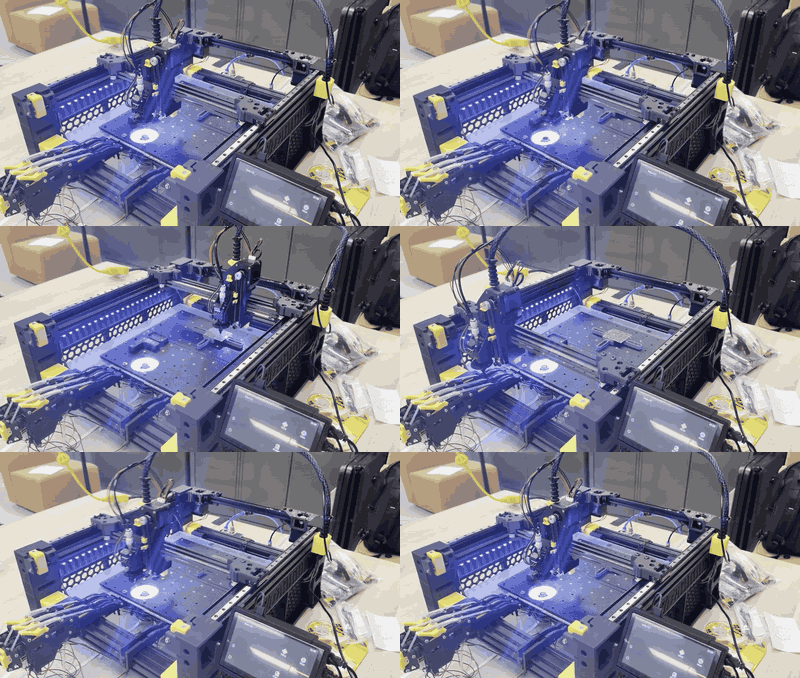
One part in real time (about 7 s): feed, pick, check over the up camera, turn, place.
- Daily startup: power on, Vision home, lights.
- Make a job: KiCad board -> pnpslice -> job file.
- Load jobs from SD / USB: get the job onto the machine without a network.
- Run a job: board on the plate, Start, watch.
- After the job: check the board, read the report.
- Shutdown.
Your first job
Run the included Test PCB-top-0603 job (23 x 0603 resistors from feeder F1) with Dry run on first: the camera visits every placement and nothing is picked. Then run it for real.